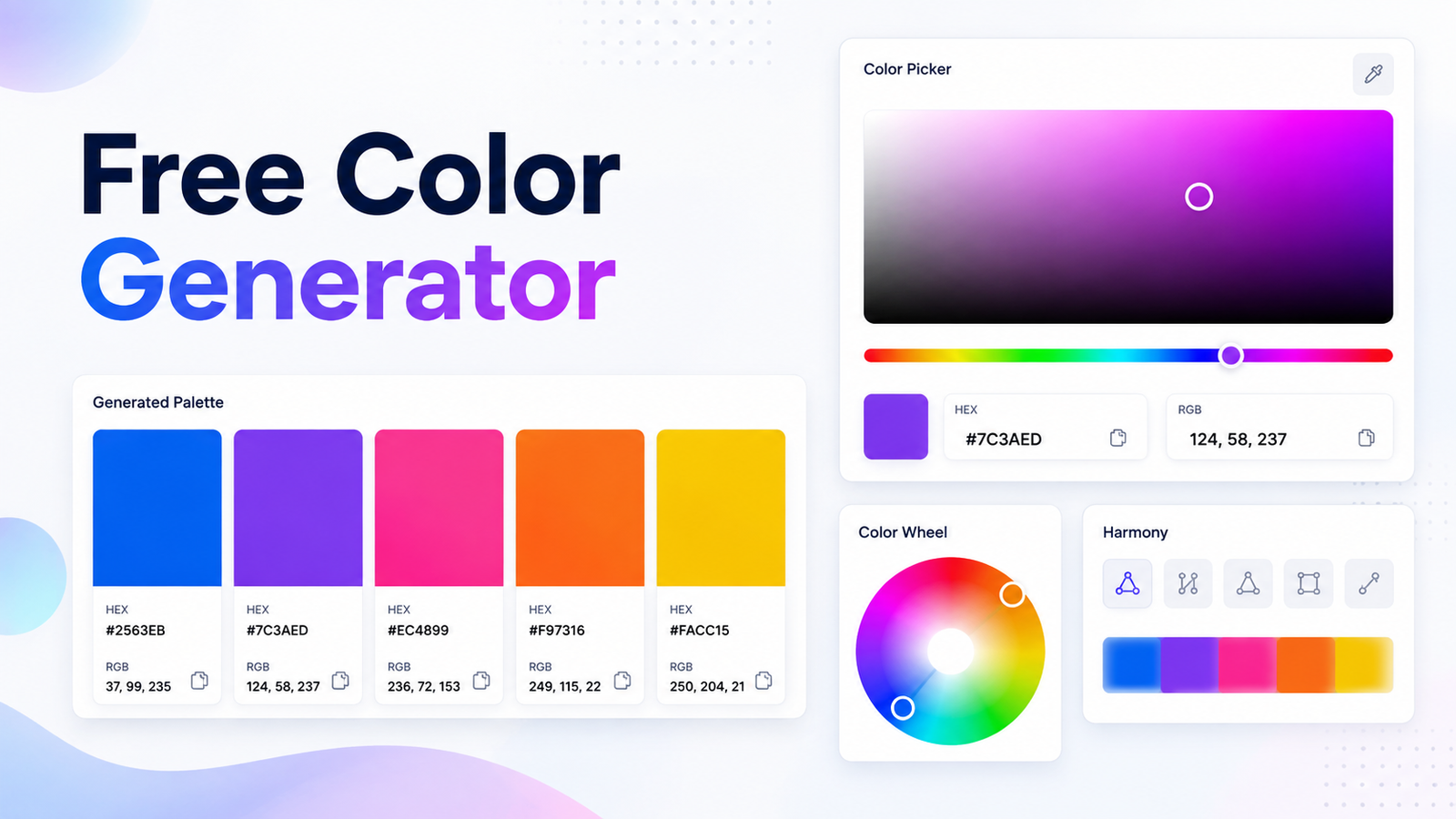
Free Color Generator
Finding the right color can make a website, logo, graphic, or social media design look much more professional. A Free Color Generator makes it easy to create, explore, and select different colors without installing complicated software. Whether you are a web designer, developer, content creator, or simply looking for attractive colors, an online color generator can save time and make the design process easier.
With a free online tool, you can quickly generate colors and discover useful color codes such as HEX, RGB, and other formats. This makes it simple to use the same colors across websites, images, presentations, and digital projects.
What Is a Free Color Generator?
A Free Color Generator is an online tool that helps users create or select colors for different design projects. Instead of manually searching for color codes, you can use the generator to explore different shades and combinations.
Many color generators provide color codes such as HEX and RGB. These codes can then be copied and used in websites, CSS, graphic design software, logos, apps, and other digital projects.
Why Use a Free Color Generator?
Choosing a suitable color manually can sometimes be difficult. There are thousands of possible shades, and finding a color that works well with other colors may take a lot of time.
A free color generator gives you a convenient way to experiment with different colors. You can create new color ideas, compare shades, and find combinations that match your design style.
Generate Colors Online
One of the biggest advantages of an online color generator is convenience. You do not need to download software or install an additional application on your computer.
You can simply open a browser and use a color generation tool. This makes online color tools useful for designers, developers, bloggers, students, marketers, and anyone who needs a specific color.
Understanding HEX Color Codes
HEX is one of the most common color formats used on websites. A HEX color code normally begins with a hashtag followed by six characters, such as #FF5733.
Each HEX code represents a specific color. Web designers and developers can copy these codes directly into HTML and CSS projects to apply the selected color to text, backgrounds, buttons, borders, and other website elements.
Using RGB Colors
RGB stands for Red, Green, and Blue. It is another popular color format used in digital design.
An RGB value represents how much red, green, and blue should be combined to create a particular color. RGB colors are especially useful for web development, digital graphics, applications, and other screen-based designs.
Create Attractive Color Combinations
A good design usually needs more than one color. A Free Color Generator can help you discover colors that work well together.
You can experiment with different shades and create combinations for backgrounds, headings, buttons, icons, and other design elements. Using a consistent color palette can also make a website look more organized and professional.
Color Generator for Website Design
Colors are an important part of website design. The right color palette can improve the visual appearance of a website and make important elements easier to notice.
Developers can use generated HEX or RGB colors in CSS to customize website backgrounds, buttons, links, menus, borders, and text. A color generator can therefore be a useful tool during both website development and redesign projects.
Color Generator for Graphic Designers
Graphic designers regularly work with different colors when creating posters, banners, logos, social media graphics, and advertisements.
Instead of testing colors randomly, designers can use an online color generator to explore new ideas. Once a suitable color is found, its color code can be copied and reused throughout the project.
Free Color Generator for Beginners
You do not need professional design experience to use a color generator. Beginners can experiment with different shades and learn how color codes work while creating their own designs.
It is also a useful learning resource for students who are starting to study web design, HTML, CSS, or graphic design.
Why Choose PapularTool?
PapularTool provides simple online tools designed to make everyday digital tasks easier. The Free Color Generator is useful when you need quick access to different colors and color codes without using complicated design software.
You can use the tool to explore colors for websites, graphics, social media posts, logos, and other creative projects. A simple online tool can make the process faster and more convenient.
Frequently Asked Questions
What is a Free Color Generator?
A Free Color Generator is an online tool that helps users create, select, and explore different colors. It can also provide useful color codes for digital projects.
Is a color generator useful for websites?
Yes. Developers can use generated HEX and RGB colors in HTML and CSS to customize website elements such as backgrounds, buttons, text, and borders.
Can beginners use a color generator?
Yes. Most online color generators are simple to use and do not require advanced design knowledge.
What is a HEX color code?
A HEX color code is a six-character color value commonly used in web design. For example, #000000 represents black and #FFFFFF represents white.
Is PapularTool’s color tool free?
PapularTool is designed to provide simple online tools that users can access conveniently. You can use its color-related tools to explore colors for your digital projects.
Conclusion
A Free Color Generator is a simple and useful resource for anyone who works with digital colors. From website development and graphic design to logos and social media content, the right color can make a significant difference.
Instead of spending a long time searching for suitable shades, use an online color generator to explore colors and find useful HEX and RGB codes. With tools such as the PapularTool Free Color Generator, creating and selecting colors can become a faster and easier part of your design workflow.