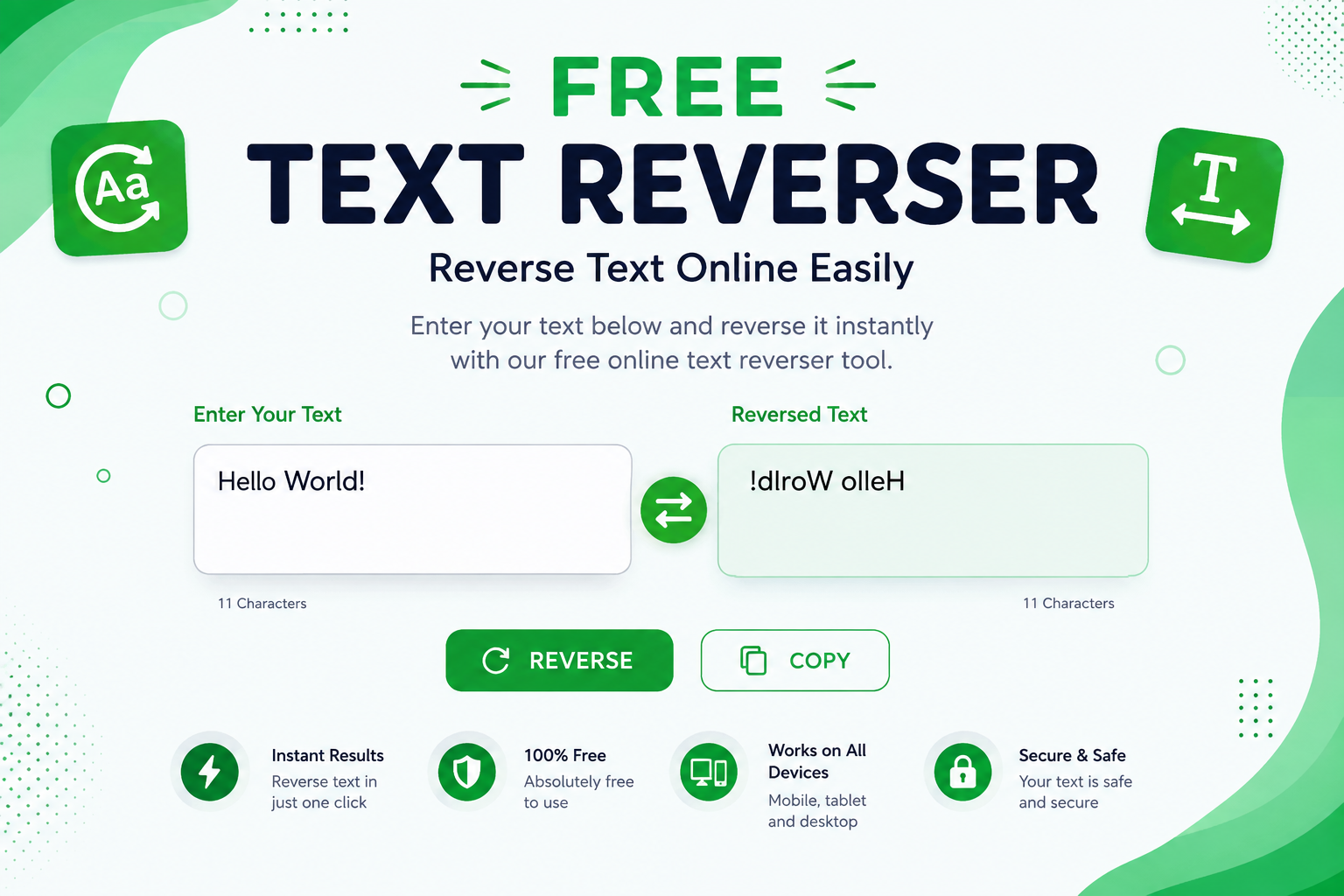
A Free Text Reverser is a simple online tool that changes the order of characters, words, or sentences in your text. Instead of manually rearranging every letter, you can enter your content into a text reverser and get the reversed result instantly. This makes the process quick, convenient, and useful for many different purposes.
Our free text reverser is designed to be easy to use. You do not need to install software, create an account, or learn complicated settings. Simply enter or paste your text, reverse it, and copy the result. Whether you are experimenting with text, creating social media content, testing strings, or simply having fun, an online text reverser can save time.
What Is a Free Text Reverser?
A Free Text Reverser is an online utility that reverses the order of text. Depending on the tool, you may be able to reverse individual characters, words, or complete lines. For example, the text “Hello World” can become “dlroW olleH” when each character is reversed.
Text reversal is different from simply changing the direction of text. A text reverser actually changes the sequence of characters or words according to the selected method. Because everything happens online, users can quickly process text from a computer, tablet, or smartphone.
How Does a Text Reverser Work?
A text reverser uses a simple text-processing method to rearrange the characters in the input. When you enter a sentence, the tool reads the text and changes the order according to its reversal function.
For example, if you enter “Online Tool”, a character-based reverse function can produce “looT enilnO”. The original text remains unchanged, while the reversed version is generated separately. This makes it easy to compare the two versions and copy the result.
How to Reverse Text Online
Using an Online Text Reverser is usually very simple. First, open the tool and locate the input text box. Type your text manually or paste existing content into the box.
Next, click the reverse button or use the available reversal option. The tool will process your text and display the result. You can then copy the reversed text and use it wherever you need it.
The entire process can take only a few seconds, making an online reverse text tool much faster than manually reversing long pieces of content.
Why Use a Free Text Reverser?
There are many reasons someone might need to reverse text. For casual users, it can be an entertaining way to experiment with words and sentences. For students and developers, it can also be useful for simple text-processing exercises.
A free online tool is particularly convenient because there is no need to download an application. You can access the tool whenever you need it and process text directly in your browser.
Reverse Words and Characters Online
One useful feature of a Text Reverser is the ability to work with different types of text reversal. Character reversal changes the position of individual letters, numbers, spaces, and symbols.
Word reversal works differently. Instead of changing every character, it changes the order of the words in a sentence. For example, “I love online tools” could become “tools online love I”. The exact result depends on the reversal method provided by the tool.
Free Text Reverser for Students
Students can use a Free Text Reverser for learning exercises and basic programming practice. Reversing strings is a common example when learning about programming concepts such as loops, arrays, strings, and algorithms.
It can also be useful for experimenting with language and understanding how computers manipulate text. Teachers may use text reversal as a simple classroom activity when introducing students to basic computational thinking.
Text Reverser for Developers
Developers often need to manipulate strings when testing applications or working with data. A Reverse Text Generator provides a quick way to create reversed strings without writing a separate script for every simple test.
For example, developers can use reversed text when testing search functions, input fields, validation systems, or string-processing features. It can also be useful when checking whether an application correctly handles unusual text patterns.
Reverse Text for Social Media
Reversed text can also be used for creative social media posts. Some users create unusual text effects to make captions, comments, usernames, or messages look different from normal writing.
However, reversed text should be used carefully. Some platforms or devices may display unusual characters differently. A simple browser-based text reverser lets you test the result before posting it.
Is the Text Reverser Free?
Yes, a free text reverser can be used without paying for basic text reversal. Users can enter their content, process it, and copy the result without needing expensive software.
Free online tools are especially useful for occasional tasks because they eliminate the need to install dedicated applications. For most simple text reversal requirements, an online tool is more than enough.
PapularTool – Free Online Tools for Everyday Tasks
PapularTool is a free online toolkit designed to make everyday digital tasks faster and easier. With useful browser-based tools such as the Text Reverser, QR Code Generator, Color Generator, Password Generator, Background Remover, Random Number Generator, and URL tools, users can complete common tasks without installing software or creating an account. PapularTool focuses on speed, simplicity, privacy, and accessibility, with tools that work across mobile, tablet, and desktop devices. Visit PapularTool
Benefits of Using an Online Text Reverser
A major benefit of an Online Text Reverser is speed. Manually reversing a long sentence or paragraph can take a significant amount of time and may lead to mistakes. An automated tool completes the same task almost instantly.
Another benefit is accessibility. Because the tool runs in a web browser, users can access it from different devices. It can be useful at home, at school, at work, or anywhere with an internet connection.
Easy Copy and Paste
After reversing your text, you normally need to use the result somewhere else. A copy-friendly interface makes this process much easier.
Simply generate the reversed text, select the output, and copy it to your clipboard. You can then paste it into a document, message, website, social media post, or another application.
Text Reversal Without Software
Traditional text-processing software can be unnecessary when you only need to reverse a small amount of text. Installing an application for such a simple task can take more time than completing the task itself.
A browser-based Free Text Reverser provides a straightforward alternative. Open the page, enter your text, reverse it, and copy the output. There is no complicated setup involved.
Common Uses of a Text Reverser
A text reverser can be used for entertainment, educational exercises, programming tests, creative writing, social media experiments, and basic text manipulation.
It can also be useful when you want to quickly create a backwards version of a word, phrase, sentence, or other text. Since the tool automates the process, it reduces the chance of manual errors.
Frequently Asked Questions
What is a text reverser?
A text reverser is an online tool that changes the order of characters or words in text. It can quickly create a backwards version of your original content.
Is a Free Text Reverser safe to use?
For ordinary non-sensitive text, an online text reverser is generally convenient to use. However, avoid entering passwords, private information, or other sensitive data into any online tool unless you understand how the website handles submitted information.
Can I reverse a complete sentence?
Yes. A text reverser can process complete sentences and longer text. Depending on the tool, you may be able to reverse characters, words, or lines.
Can I use a text reverser on my phone?
Yes. A browser-based text reverser can generally be used on smartphones and tablets as long as the page works with mobile browsers.
Is a text reverser useful for programming?
Yes. Developers can use text reversal for basic string testing, programming exercises, and checking how applications handle reversed input.
Conclusion
A Free Text Reverser is a simple and practical online utility for changing the order of text. Instead of manually reversing characters or words, you can enter your content and generate the result within seconds.
Whether you are a student, developer, content creator, or casual user, an Online Text Reverser can make text manipulation easier. With a simple copy-and-paste workflow and no software installation required, it is a convenient tool for everyday text-processing tasks.