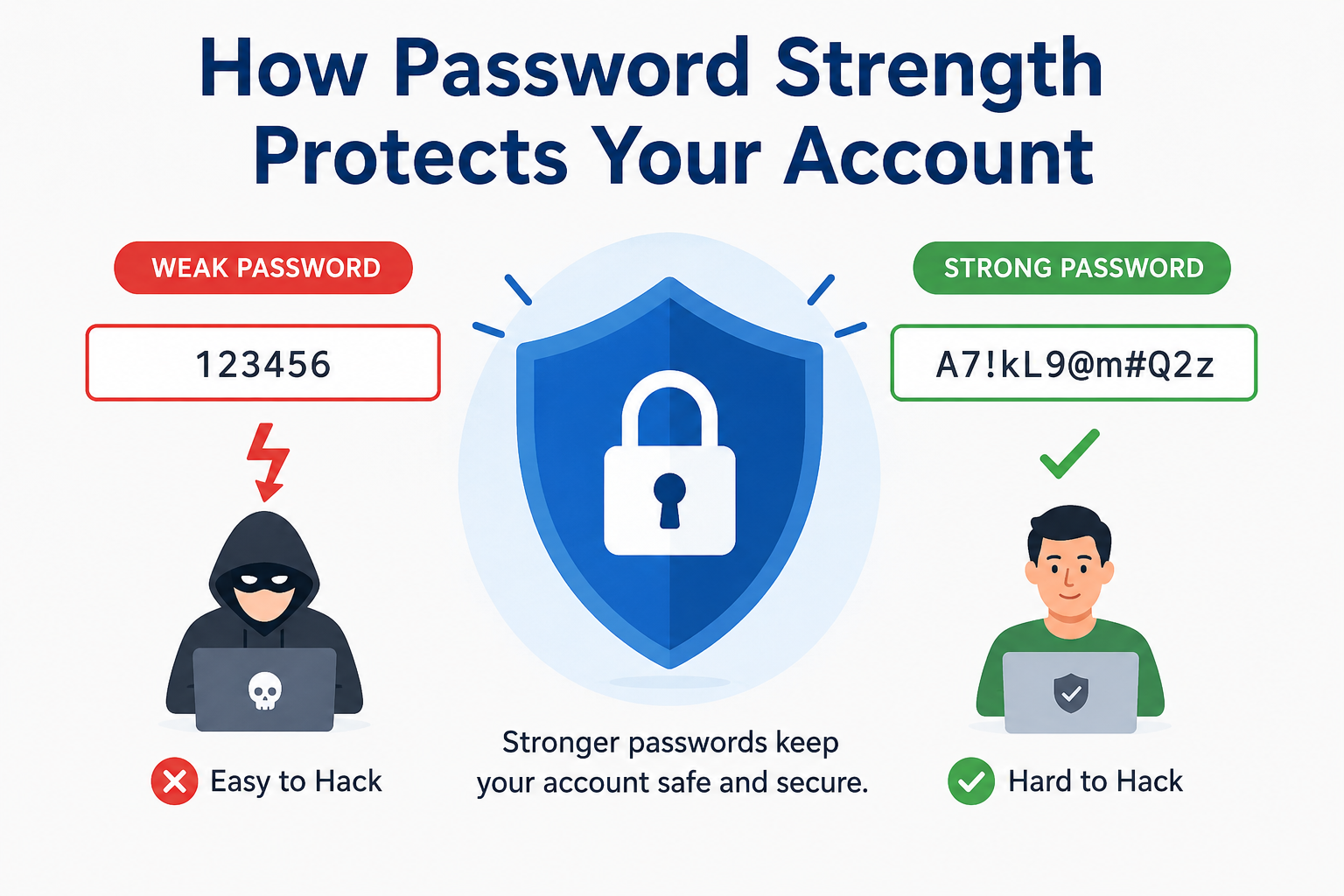
Every online account contains something worth protecting. It may hold private messages, payment details, work files, photos, or personal information. Yet many people still use short, common, or repeated passwords that criminals can guess or crack.
Understanding how password strength protects your account is one of the easiest ways to improve online safety. A strong password creates many more possible combinations, takes longer to attack, and reduces the risk of automated guessing. It also limits the damage when a website suffers a data breach.
However, password security is not only about adding one capital letter or symbol. Length, randomness, uniqueness, and unpredictable patterns all matter. A reliable Password Strength Checker can review these factors and show where a password needs improvement.
This guide explains how password strength protects your account, how common attacks work, and how to create a secure password. It also introduces the free PapularTool.com Password Strength Checker, which analyses passwords inside your browser without storing them.
What Is Password Strength?
Password strength measures how difficult a password is for a person or computer to guess. A stronger password normally has more characters, greater variety, and fewer predictable patterns.
For example, john123 is weak because it uses a common name and a simple number sequence. A long passphrase made from unrelated words is harder to predict. This is the basic idea behind how password strength protects your account.
Password Strength Factors
| Factor | Why It Matters | Better Practice |
|---|---|---|
| Length | More characters create more possible combinations | Use 14 or more characters |
| Uppercase letters | Adds character variety | Mix them naturally |
| Lowercase letters | Expands the possible character set | Use several lowercase letters |
| Numbers | Makes simple word guesses less effective | Place them unpredictably |
| Symbols | Adds more possible characters | Use symbols without common patterns |
| Randomness | Removes clues attackers can follow | Combine unrelated words or random characters |
| Uniqueness | Stops one leak from opening other accounts | Use a different password everywhere |
| Pattern avoidance | Blocks common automated guesses | Avoid names, dates, 123456, and qwerty |
These factors explain how password strength protects your account by increasing uncertainty for an attacker.
Why Password Strength Matters
The purpose of a password is to prove that you are the authorised user. When it is weak, an attacker may enter your account with basic automated tools.
A long and unpredictable password increases the time, cost, and computing power needed to break in. In simple terms, this is how password strength protects your account against large-scale guessing attacks.
Strong, unique passwords also reduce damage after a breach. If one website exposes your login details, criminals cannot easily use the same password to enter your email, bank, social media, or shopping accounts.
Weak vs Strong Passwords
| Weak Password | Why It Is Weak | Stronger Choice |
password123 |
Common and predictable | A long, unique passphrase |
Sakib2026 |
Uses a name and year | Unrelated words with added variety |
qwerty! |
Follows a keyboard pattern | Random characters from a Password Generator |
Football1 |
Common word with a simple change | 16 or more random characters |
| One password everywhere | One breach can expose many accounts | A unique password for each service |
The table shows how password strength protects your account by removing patterns that attackers test first.
Common Password Attacks
Brute-Force Attacks
A brute-force attack tries many possible combinations until one works. Short passwords are vulnerable because there are fewer combinations to test.
Dictionary Attacks
A dictionary attack tests common words, names, phrases, and known password patterns. Adding 123 or ! to a common word is not enough because attack tools already test these changes.
Use unrelated words or a trusted Password Generator instead. Random choices strengthen how password strength protects your account against predictable guesses.
Credential Stuffing
Credential stuffing uses stolen usernames and passwords from one breach on other websites. It succeeds when people reuse passwords.
A unique password for every account stops one leaked login from becoming a key to your entire digital life.
Password Spraying
Password spraying tests a small set of common passwords across many accounts. Examples include Welcome1, Admin123, or a company name followed by a year.
Avoid passwords that many people are likely to choose.
Phishing
Phishing tricks you into entering a password on a fake page. It does not need to crack the password at all.
A strong password cannot stop phishing by itself. Check website addresses and enable multi-factor authentication.
How to Create a Strong Password
Make It Long
Length is one of the most important strength factors. Aim for at least 14 characters, and use more for important accounts.
A long passphrase can be easier to remember than a short random string. Several unrelated words can create a secure password when the phrase is unique and not copied from a song, quote, or saying.
Avoid Personal Information
Do not use your name, birthday, phone number, city, pet, favourite team, or family details. Criminals may find this information on social media.
Removing personal clues improves how password strength protects your account because the password cannot be built from facts about you.
Use Character Variety Carefully
Uppercase letters, lowercase letters, numbers, and symbols can add complexity. However, predictable substitutions such as P@ssw0rd remain weak because cracking tools recognise them.
Use variety naturally. Do not treat it as a replacement for length and randomness.
Use a Unique Password Everywhere
Never reuse a password for email, banking, social media, shopping, or work. One stolen password should not expose several accounts.
A password manager can create and store unique passwords, so you do not need to remember every one.
Test a New Password Safely
An Online Password Checker can identify short length, missing character types, and predictable patterns. This helps you improve a new password before using it.
For extra caution, do not paste a password already used on a critical account into any unfamiliar website. Choose a browser-based checker with a clear privacy design.
How Password Strength Checkers Work
A password strength checker reviews a password and gives it a score. Better tools examine more than length.
They may assess character variety, repeated characters, common sequences, keyboard patterns, dictionary words, and estimated entropy. Entropy is an estimate of how unpredictable a password may be.
Many checkers also show estimated crack time. This is only an estimate because real attack speed depends on hardware, password storage methods, rate limits, and other controls. Still, it helps users compare a weak password with a stronger one.
A useful checker may detect uppercase letters, lowercase letters, numbers, symbols, repeated characters, common words, dates, and patterns. This feedback makes how password strength protects your account easier to understand and apply.
Benefits of Using a Password Strength Checker
A Password Strength Checker gives quick feedback before you save a password and shows how password strength protects your account. It can reveal weaknesses that are easy to miss.
First, it compares different password ideas. A password that looks complex may still contain a common word or pattern.
It also teaches better habits and saves time. Users learn that length, uniqueness, and randomness matter more than simple tricks.
These benefits show how password strength protects your account before a weak choice becomes a security problem.
Common Password Mistakes
Many people use names, birthdays, phone numbers, sports teams, or favourite celebrities. These choices are memorable, but they are also easier to research and guess.
Password reuse is another major mistake. It turns one data leak into a risk for every account using the same login.
Short passwords remain weak even when they include a capital letter, number, and symbol. For example, Dog1! has variety but not enough length.
Predictable updates are also unsafe. Changing Summer2025! to Summer2026! gives an attacker an obvious pattern. Never send passwords in chat or store them in unprotected notes.
Password Security Best Practices
These steps reinforce how password strength protects your account.
Use a Password Manager
A password manager can generate, store, and fill unique passwords. You only need to remember one strong master password.
Enable Multi-Factor Authentication
Multi-factor authentication adds another verification step. It may use an authentication app, security key, passkey, or one-time code.
This layer can block an attacker who has obtained your password and strengthens how password strength protects your account beyond the password alone.
Change Compromised Passwords Quickly
Change a password immediately if you suspect phishing, malware, sharing, or a data breach. Also update any account where the same password was reused.
Protect Recovery Options
Secure your recovery email, phone number, and backup codes. Attackers may target these options to bypass the main password.
Review Account Activity
Check recent sign-ins and remove unknown devices. Delete old accounts you no longer use.
These password tips cover risks that password strength alone cannot solve.
Why Choose PapularTool Password Strength Checker
PapularTool.com offers a free Password Strength Checker for quick, private, and simple testing. It helps users understand password quality without difficult technical language.
The tool provides 100% private analysis through browser-based checking. Your password is never stored, helping you review strength without creating a password database.
You receive a real-time strength score as you type. The tool also includes entropy calculation and crack time estimation, which explain how difficult the password may be to guess.
PapularTool checks all major password elements:
- Uppercase detection
- Lowercase detection
- Numbers detection
- Symbols detection
- Pattern detection
The checker is mobile friendly, fast, and free. These features make the tool a practical way to see how password strength protects your account before using a weak password on an important service.
Try the Free Password Strength Checker
Test a new password idea with the PapularTool Password Strength Checker. Review the score, fix weak patterns, and create a safer password in seconds.
Also Try These Free Online Tools
Create safer login details with our free Password Generator, which helps you generate long, random, and unique passwords.
Check your password quality with the Password Strength Checker and receive instant feedback about length, patterns, character types, and estimated strength.
Use the Background Remover to remove image backgrounds quickly and create clean images for websites, products, and social media.
Try the Random Number Generator to generate random numbers for games, testing, selections, and other everyday needs.
The Duplicate URL Remover helps you find and remove repeated links from large URL lists.
You can also use the QR Code Generator to convert safe links or contact information into a scannable QR code.
Authoritative External Sources for References
Consider citing the National Institute of Standards and Technology (NIST) for digital identity guidance.
Use the Cybersecurity and Infrastructure Security Agency (CISA) for phishing and account-protection advice.
Reference the OWASP Foundation for authentication and web security best practices.
Conclusion
Learning how password strength protects your account helps you make safer choices for email, banking, work, social media, and shopping. Strong passwords are long, unique, unpredictable, and difficult for automated tools to guess.
However, password strength is only one security layer. Use a password manager, enable multi-factor authentication, avoid phishing pages, and change passwords when you suspect a breach.
The PapularTool Password Strength Checker provides private browser-based feedback, a real-time score, entropy calculation, crack time estimation, and pattern detection. It is mobile friendly, fast, and free.
A few seconds of checking can prevent a weak password from becoming an easy entry point. That is how password strength protects your account in a practical, everyday way.
Frequently Asked Questions
What Makes a Password Strong?
A strong password is long, unique, and unpredictable. It should avoid personal information, common words, repeated patterns, and reused login details.
How Does Password Strength Protect an Account?
Understanding how password strength protects your account starts with the number of guesses an attacker must test. Longer, random passwords are usually harder and slower to crack.
Is an Online Password Checker Safe?
It can be safe when analysis happens inside your browser and the password is never stored. Always check the tool’s privacy approach before testing sensitive information.
Should I Use a Password Generator?
Yes. A trusted Password Generator can create long, random, and unique passwords that are difficult to predict. Store them in a secure password manager.